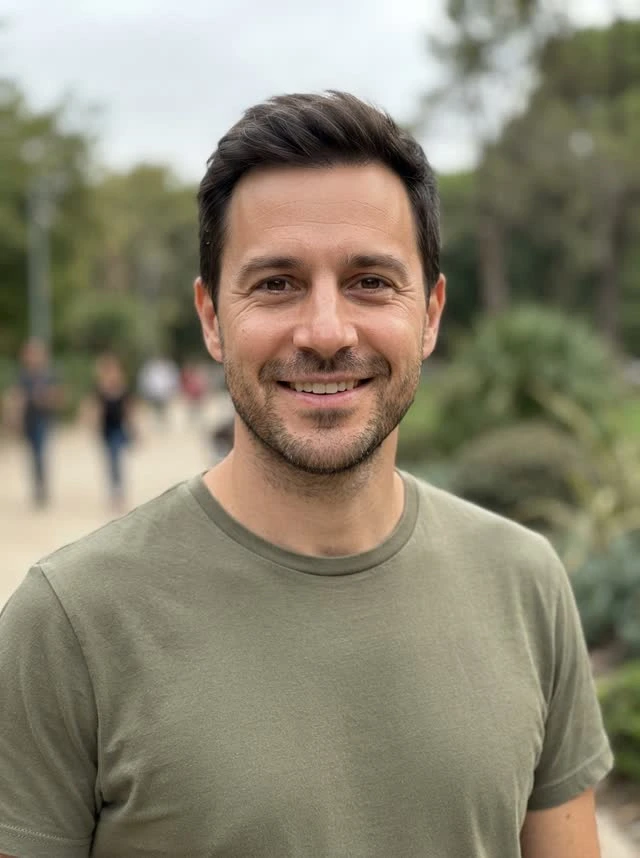
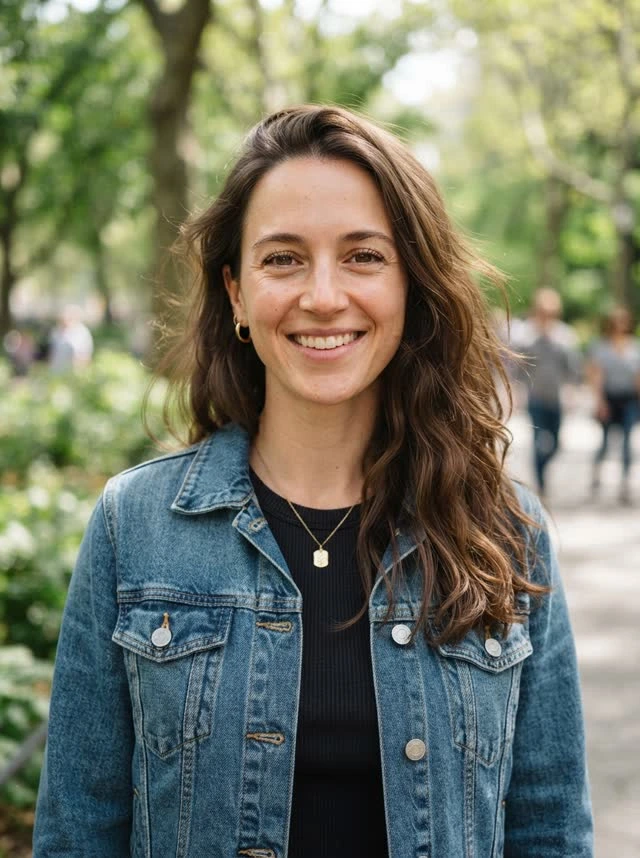
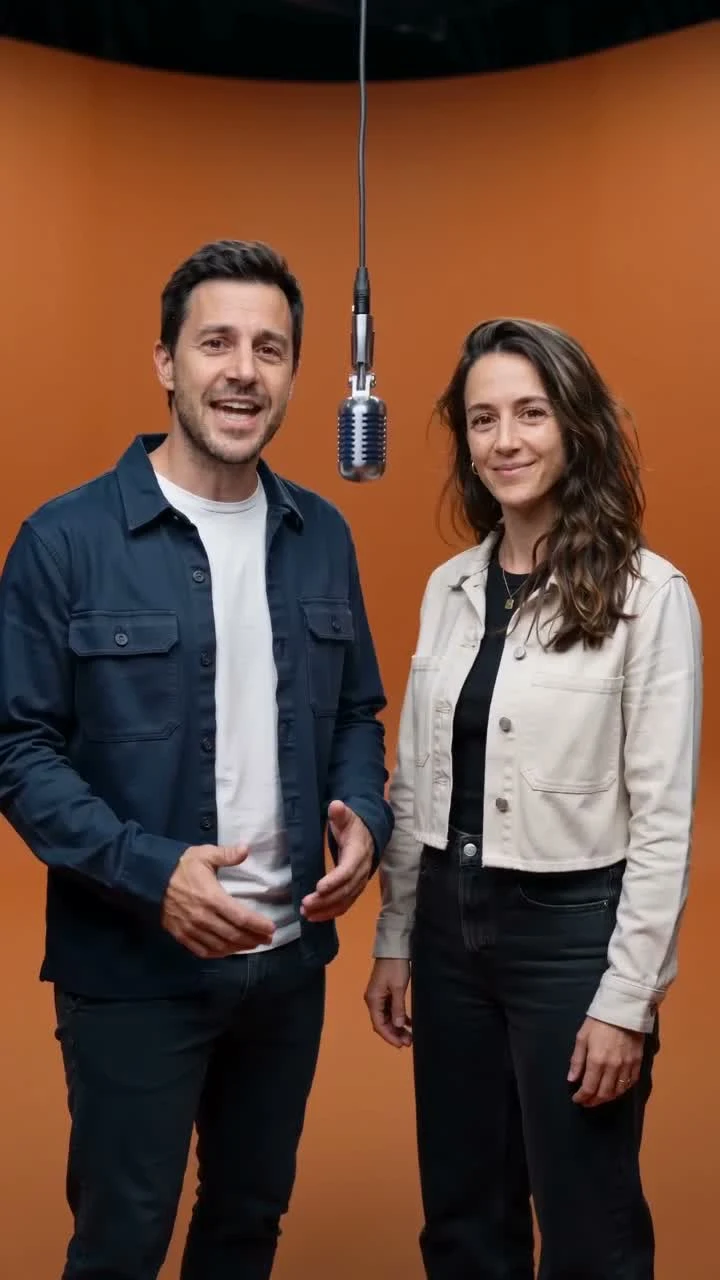
Add photos or your lyrics
Upload one clear portrait for each performer, or start with a verse or audio clip. Use images and recordings you have permission to include.
Two photos or a verse. Your duo on stage in minutes, ready for a 9:16 download.
Separate photos work. JPG, PNG or WebP, up to 10 MB each.
Stage preview is free15 sec
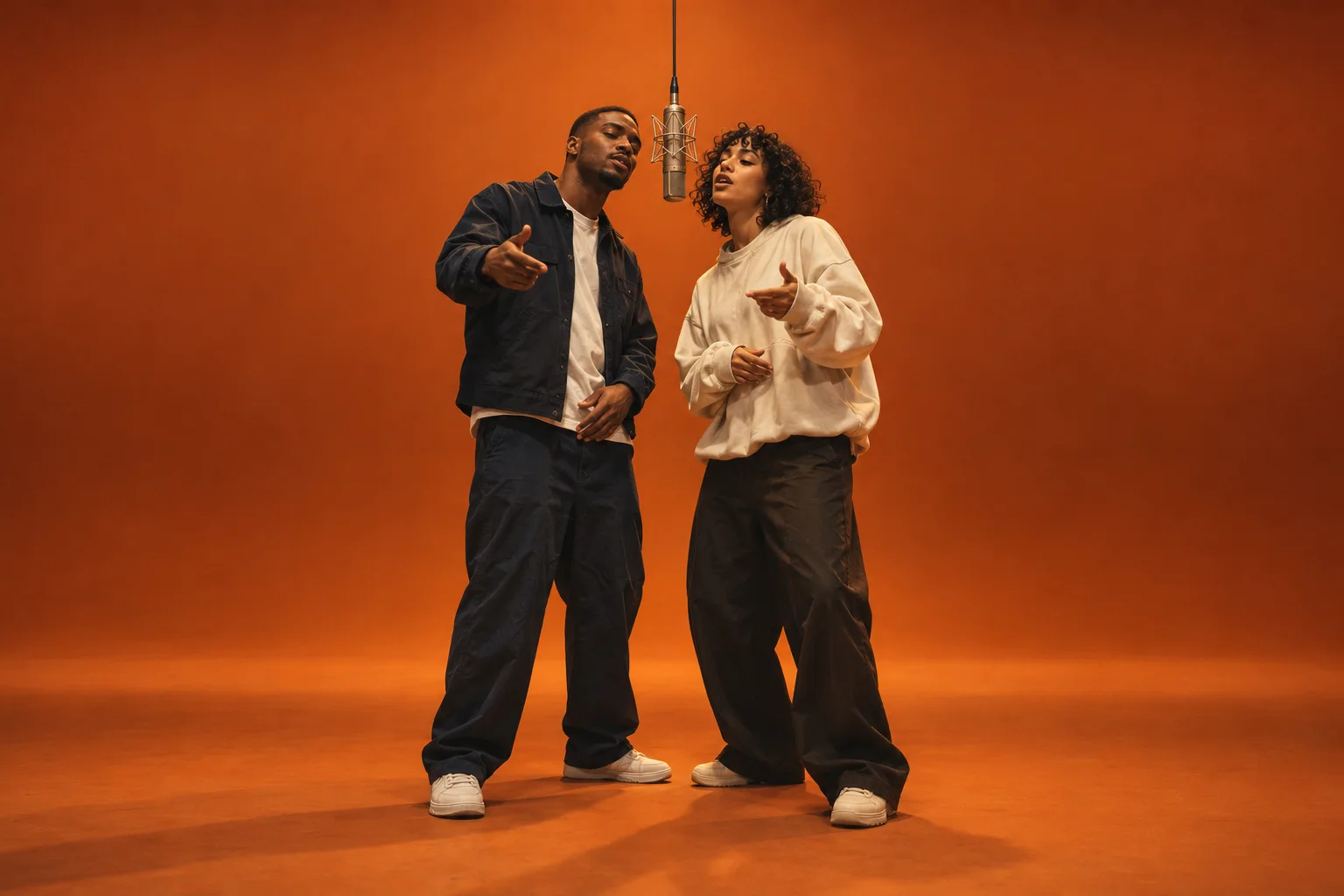
An AI rap video generator turns photos, written bars, or an audio clip into a short performance with a visual setting. Rap differs from an ordinary music video because the lyrics lead: changes in flow, fast consonants, punchlines, and ad-libs all need room in the picture. A useful result keeps the active performer recognizable, gives each line readable space, and changes the camera with the verse instead of placing unrelated footage over a song. The performance should still make sense when you watch both people together.
For a duo, start with one portrait per person; a shared photo shoot is unnecessary. Choose a musical direction and a stage, then decide whether the clip belongs on a vertical feed or a widescreen player. Your words can be a finished verse, a birthday message, or an inside joke. The studio brings those choices into one place, while its free scene preview lets you check the framing before full video rendering opens. Completed performances use original material, never borrowed celebrity footage.
Choose the people, shape the performance, keep the result.
Upload one clear portrait for each performer, or start with a verse or audio clip. Use images and recordings you have permission to include.
Pick Freestyle, Trap, Storytelling, Diss, or Melodic, then choose a stage preset. Set 9:16 for a vertical feed or 16:9 for a widescreen player.
Check the credit quote before requesting a completed performance when rendering opens. Review both faces, the vocals, and the final frame before downloading and sharing your clip.
The performance controls for a lyric-led music video.
Keep your words readable as each bar lands, with room to emphasize the rhyme instead of covering a performer’s face. A lyric-led layout places the current line where a viewer can follow it on a phone. Review long phrases, repeated hooks, and the final word before export. The free layout preview helps you check typography; automatic vocal alignment belongs to the completed rendering workflow.
Make a change in delivery visible with a new framing, a cut, or a shared two-person shot. A quieter opening can hold on one performer, while a faster response can return to the duo. Keep transitions tied to a musical phrase rather than changing scenes at random. Review the whole exchange so a camera move never hides the person whose verse is playing.
Bring two separate portraits into one duo concept, even when the people live in different places. Give each performer a clear reference, a fixed position, and a distinct role in the exchange. A shared microphone and a readable two-shot keep the pairing central. Check both identities during movement, not just the opening frame, before deciding whether a generated performance is ready to share.
Give a short response, a breath, or a repeated phrase a deliberate place in the performance. Small visual accents should support the voice without filling every beat with text. Keep the lead verse easy to follow, then use a reaction or a return to the two-shot for the reply. Review these moments with sound on so a gesture does not promise a line the audio never delivers.
Try Orange Booth for a warm two-person session, Street Cypher for an outdoor exchange, or Studio Session for a closer recording-room feel. Stage choice sets the environment; it does not require changing the people or rewriting the entire verse. Keep the original draft while you compare directions. The preset cards restore the selected stage in the same creation panel, so there is no separate editor to find.
Choose vertical 9:16 for short-form feeds or widescreen 16:9 for a player, release page, or show backdrop. Both faces and the microphone need breathing room after a crop. Check the lyric position again when you change formats, especially for a two-person hook. Resolution, duration, and the credit quote stay visible together, so you can review the intended output before requesting a completed render.
Original examples: a duo at one mic, a party lead, and a freestyle circle.
10 sec / 496 × 864
10 sec / 496 × 864
15 sec / 720 × 1280
15 sec / 720 × 1280
15 sec / 720 × 1280
More duo takes
Ten existing clips from ten publishers. Explore their original performances and visual styles.
A short, silent study of wardrobe, gestures and two-person framing.
An animated arena battle by ciorni, with original characters and publisher credits.
A widescreen visual sequence that explores mood, movement and musical pacing.
A stage preset gives your verse a place to happen without asking you to design every light and wall. Orange Booth keeps two performers together against a warm, plain backdrop, with one suspended microphone and enough room to read both faces. It follows the broader orange-booth duo performance trend through an original set, original people, and original music, rather than embedding somebody else’s recording.
Street Cypher moves the exchange outdoors, where wider framing and a shared beat suit call-and-response verses. Studio Session brings the camera closer in a darker recording-room setting, leaving space for a quieter line or a melodic hook. Pick a card to restore that stage in the creation panel. You can keep the same lyrics and people while comparing the three directions, then check how the microphone, captions, and second performer fit your selected screen shape.
Two faces, one mic, a warm orange stage.
An open-air session with a street-level feel.
Warm light and an intimate recording-room feel.
You can begin with a topic instead of a finished song. Write down who the performance is for, one detail that belongs to them, and the feeling you want to leave behind. A birthday verse might start with a name and a familiar habit; a release teaser might begin with a hook you already sing back. Specific details give a short rap something to say without filling the clip with generic praise.
Use the rap lyrics generator to shape that starting point into editable bars. Keep the first line direct, leave room for a reply, and read the words aloud before sending them to the video studio. A duo works best when each person has a distinct part: one can introduce the story, the other can answer, and both can share the final hook. You can change any line before choosing a stage.
Once the verse feels like yours, bring it back into the creation panel with the same button. Choose the two portraits, a musical direction, and a screen shape, then review the planned credit cost. The current writing starter and layout preview are free; model-written lyrics and finished performance rendering open with the full service. Your draft stays editable, so a new idea does not require starting the whole project again.
Give a new single a visual opening that fits its hook. Start with the line listeners should remember, choose the performer or pair, and keep the stage consistent with the track’s mood. Use a short clip to introduce the release without pretending it replaces a complete filmed music video.
Build a widescreen performance direction for the part of a set where the words matter most. Leave room around both performers and avoid captions that disappear behind a stage screen crop. Review the clip with the actual playback system before using it as a background during a live show.
Frame a hook for a phone feed with the people visible from the first moment. Choose a short exchange, keep the caption area clear, and check the final frame as carefully as the opening. A vertical export should carry the idea without requiring the viewer to rotate the screen.
Turn a birthday detail or a shared joke into an original two-person verse. Separate portraits work for friends who cannot meet for a shoot. Keep the joke kind, get permission to use both faces, and check that the generated performance represents the people in a way they are comfortable sharing.
Free stage previews now. These are planned launch prices; checkout and new renders are not open.
Unlimited stage previews. 0 paid render credits included.
100 credits each month, enough for 10 standard clips.
400 credits each year, enough for 40 standard clips.
| Output | Length | Resolution | Credits |
|---|---|---|---|
| Stage preview | 15 sec layout | On-screen preview | Free |
| Standard render | 15 sec | 480p | 10 |
| HD render | 15 sec | 720p | 22 |
| 1080p download | At launch | Not available yet | Not on sale |
Paid output specifications and prices will be confirmed before checkout opens.
Photos, music, output, and ownership, answered directly.
Start with the people and the words that make it yours.
Try the duo studio