Rap studio
Create your AI rap video
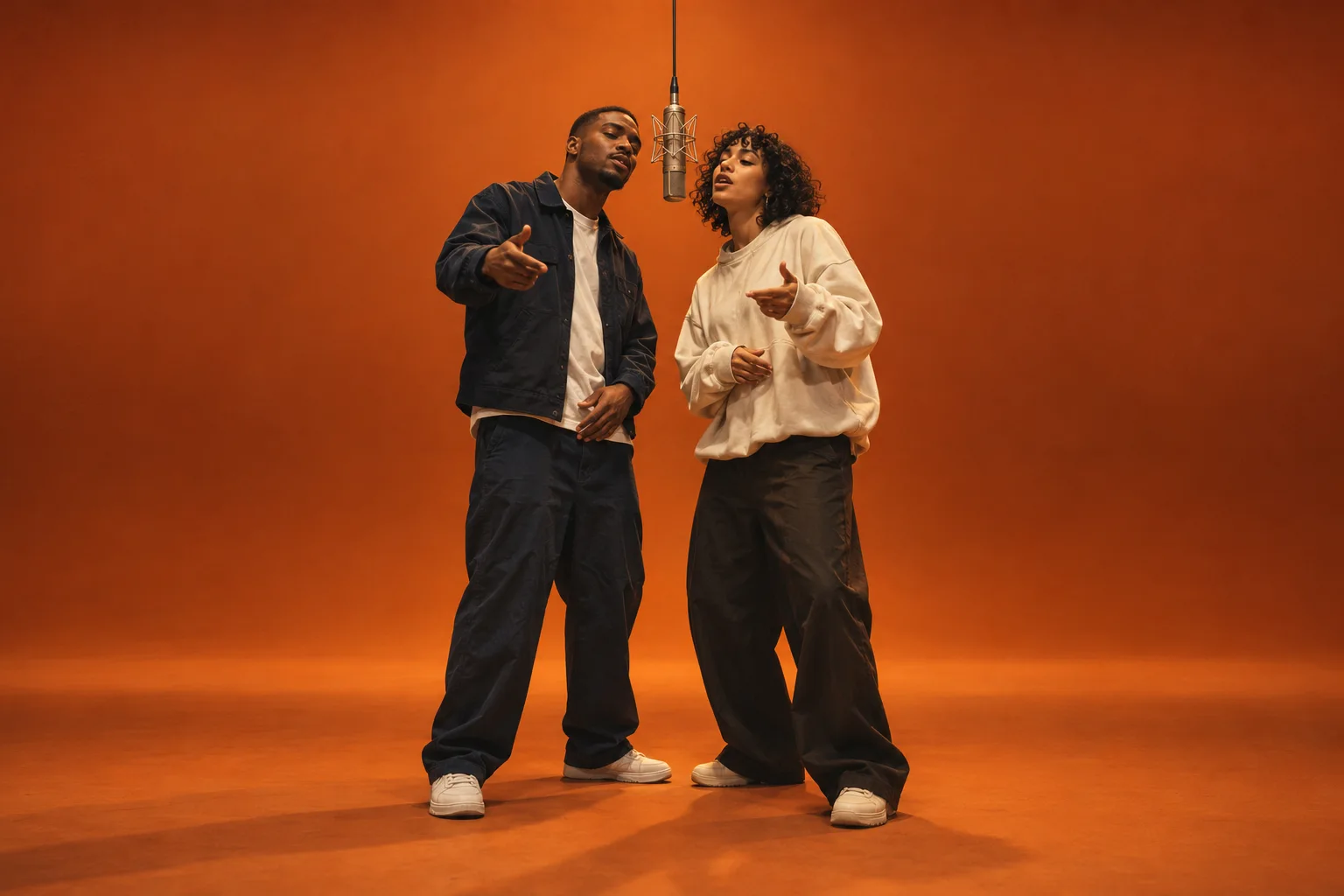
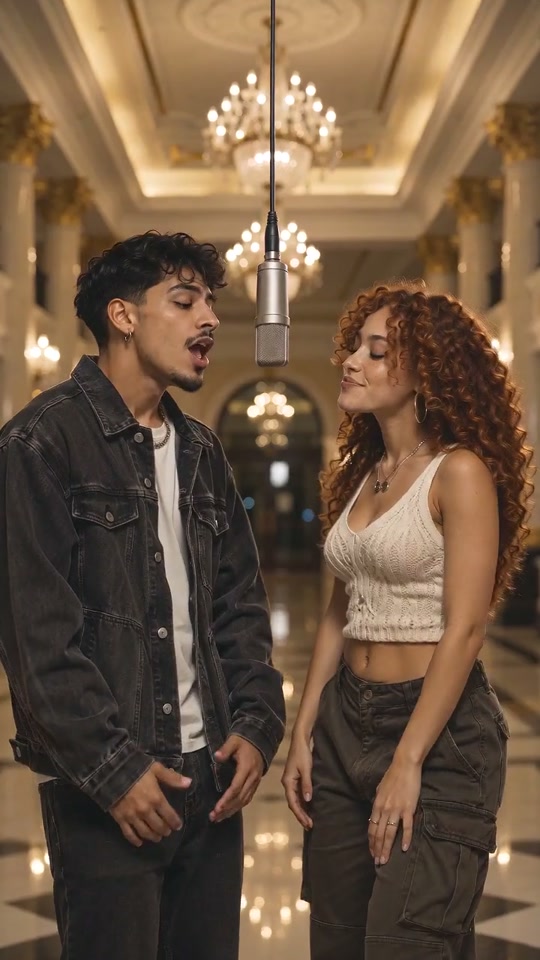
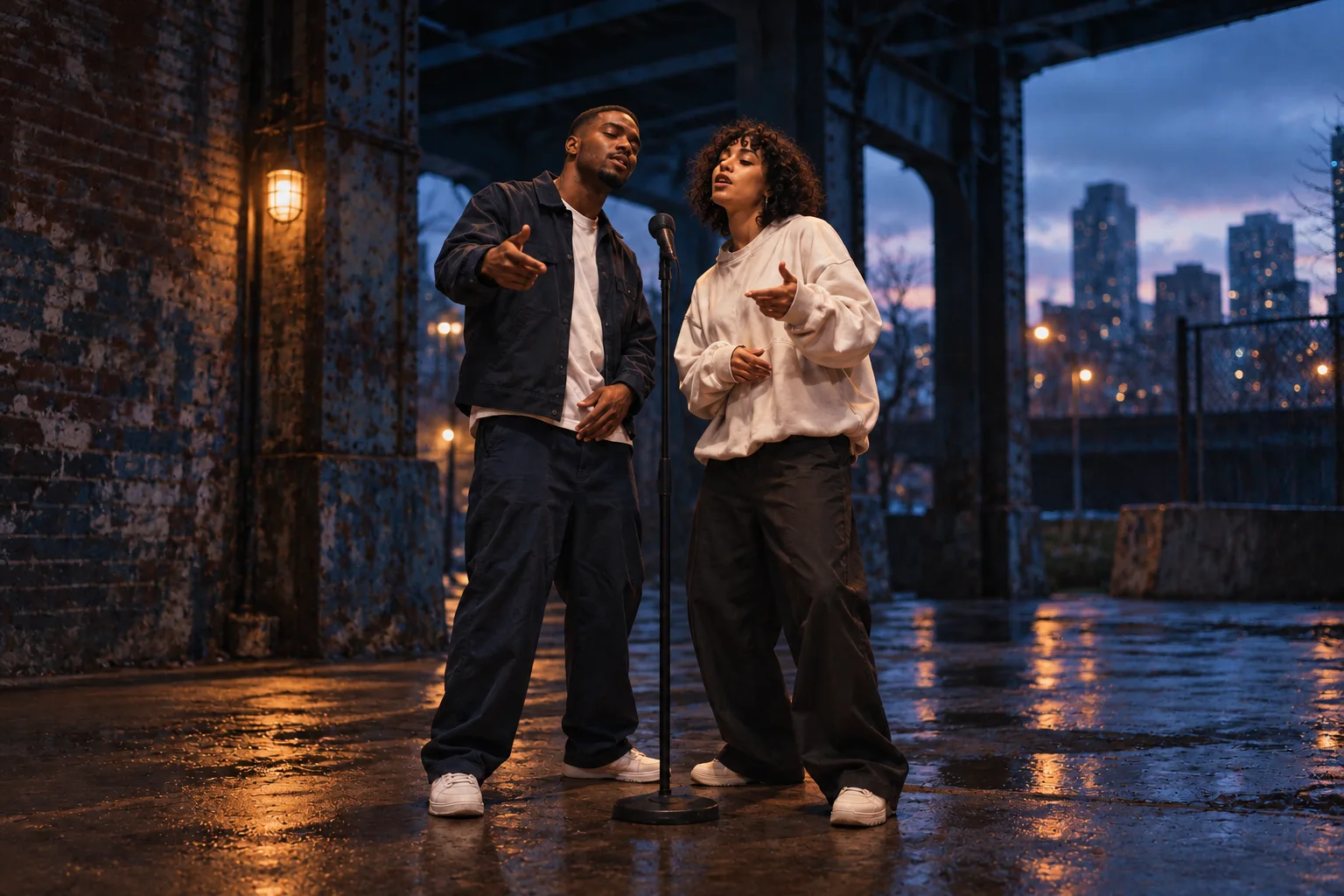
Pick a room and add your photos, then bring a short verse or a recording you have permission to use.
Review your quote before rendering · Credits & pricing · Terms
- One-time credit packs
- 5, 10 or 15 second videos
- Failed renders return credits
Fit your verse to the clip
Read your verse out loud at the pace you want before choosing 5, 10 or 15 seconds. Keep the line you want people to remember and cut any words you have to rush. Choose 9:16 for a vertical phone post or 16:9 for widescreen playback.
Questions before you render
Open Write my own lyrics or add audio, then choose Audio reference. Add an MP3 or WAV you have permission to use, 2 to 15 seconds and up to 15 MB. If it is shorter than the video, choose a shorter clip or record a longer take. The recording guides the performance.
Open Stage preview to see the room in your selected aspect ratio with sample audio. Check your own photos in the upload slots. Your photos become part of the animated performance when you confirm a render.
Once the studio confirms the render has started, you can leave. Open My videos in the same account to check its status and download the MP4 when it is ready.
Find your next creation
A different room, a different story, starring you.