

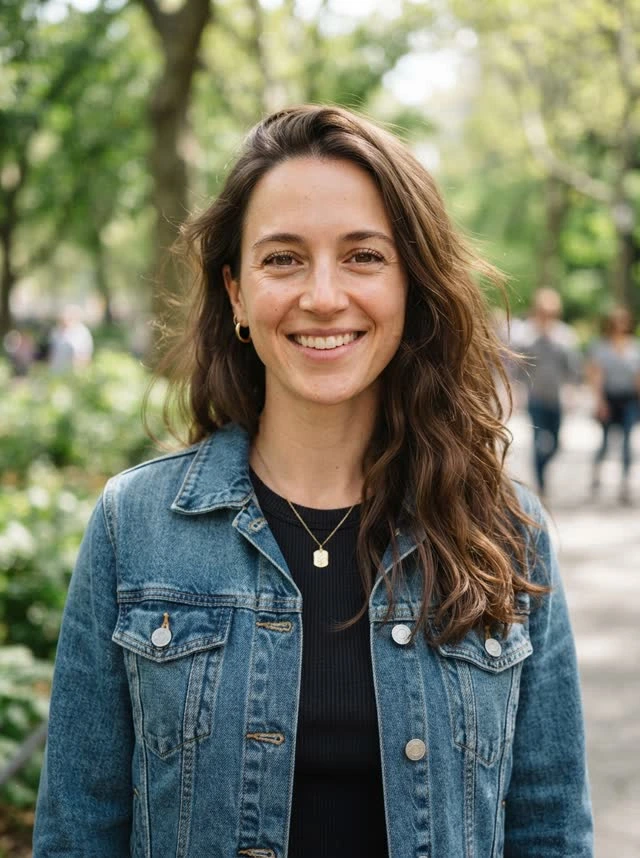
Add your people
Upload two portraits or one photo together. Clear, well-lit photos work best.
How it works
Three steps. Two people. One video worth sharing.
Upload two portraits or one photo together. Clear, well-lit photos work best.
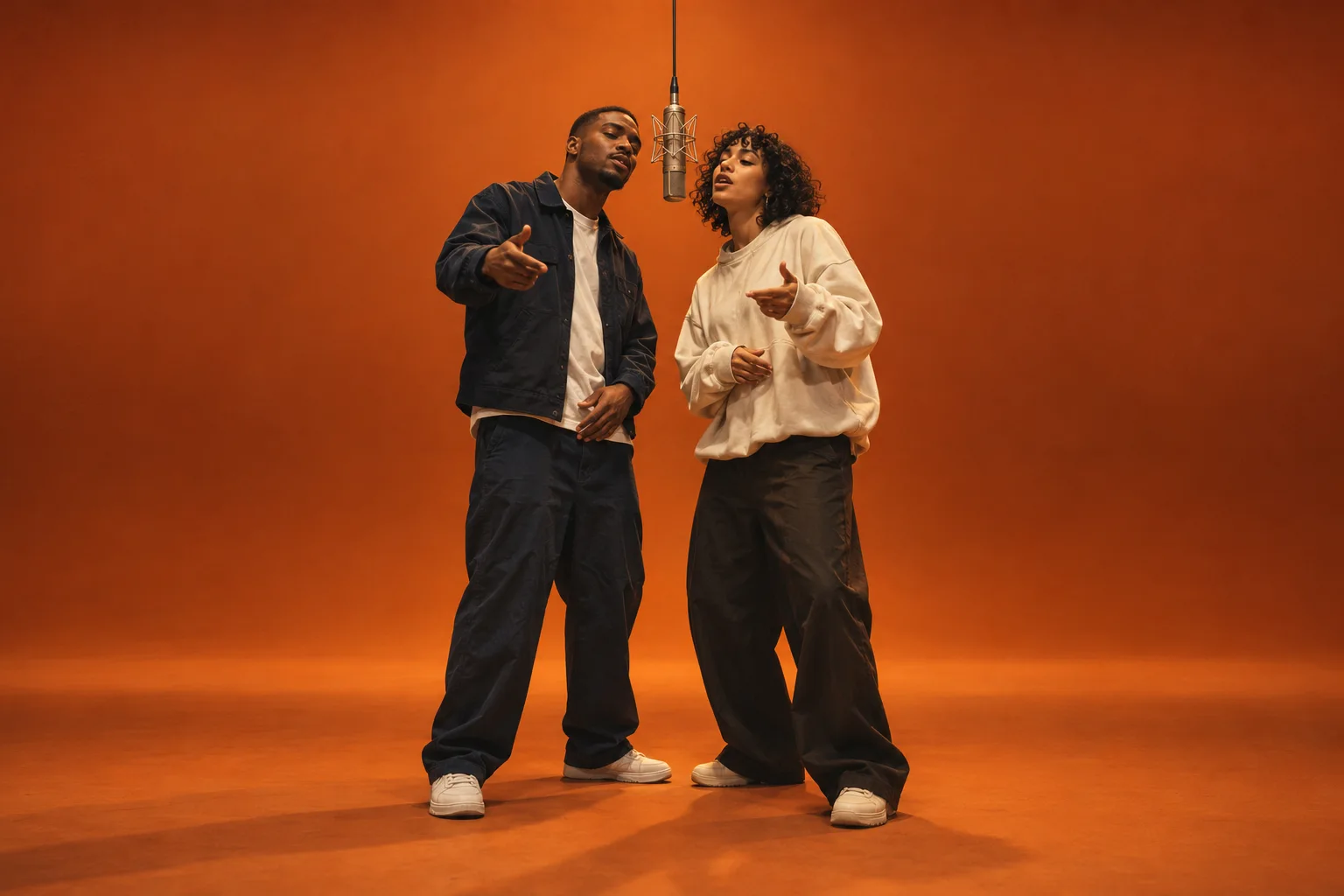
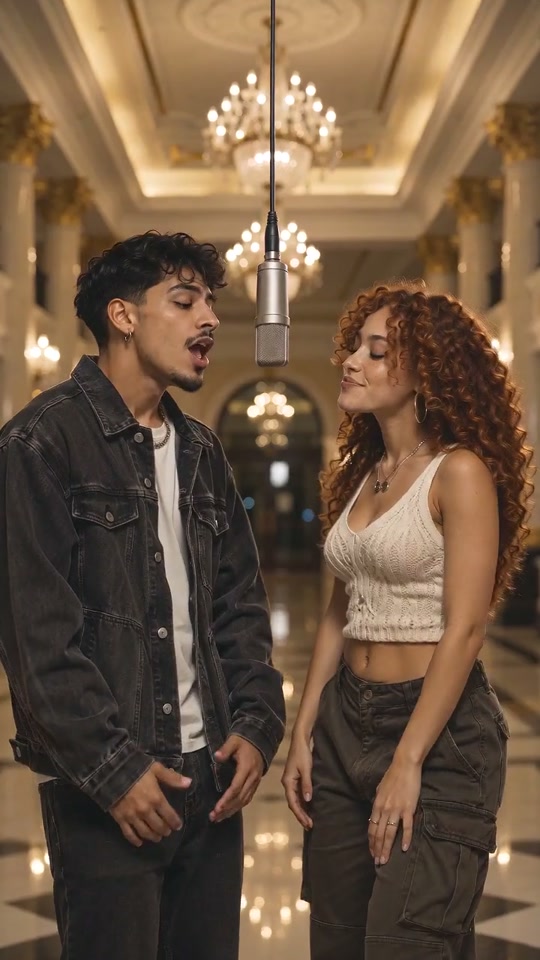
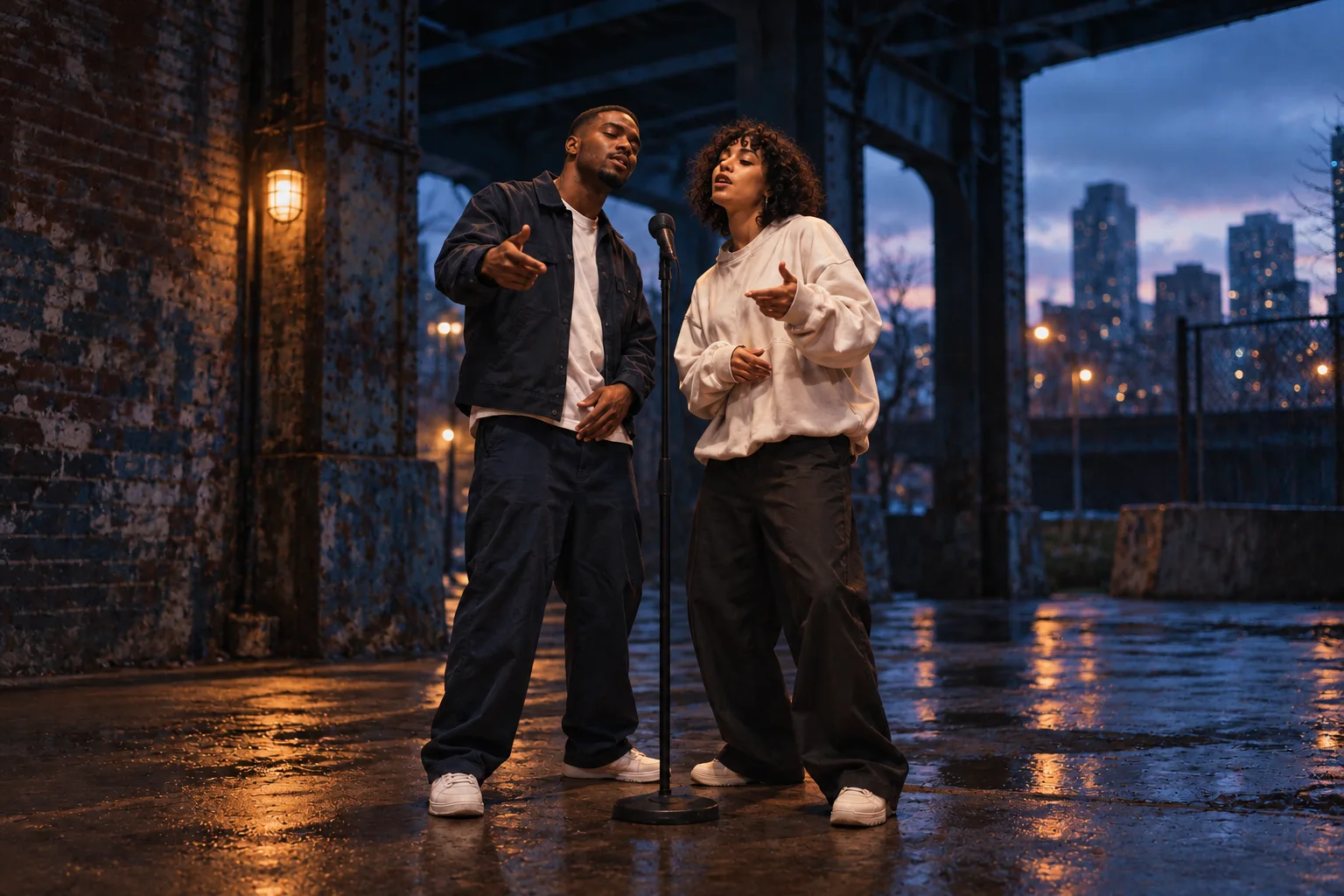
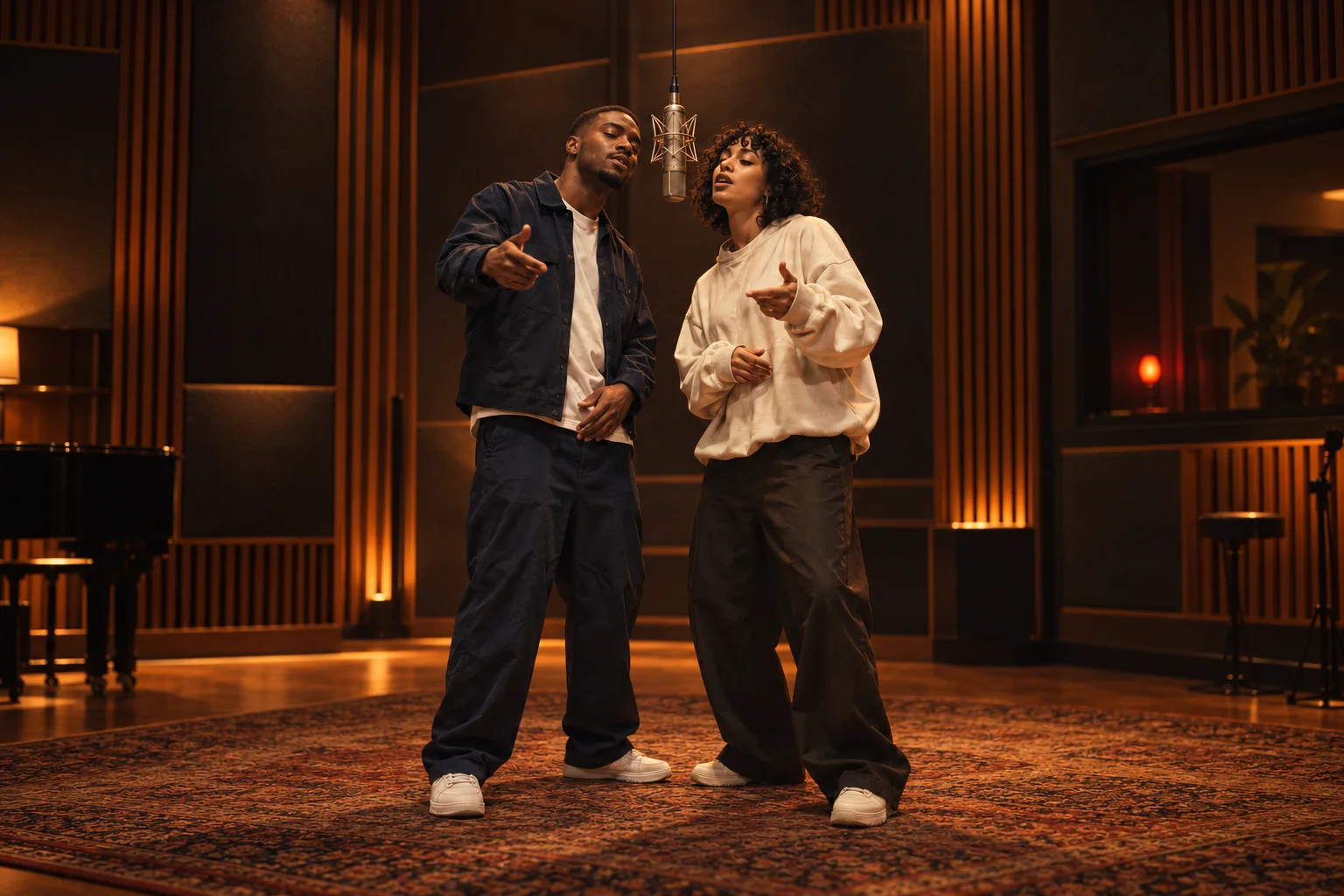
Pick your room, choose the video settings and add your original verse.
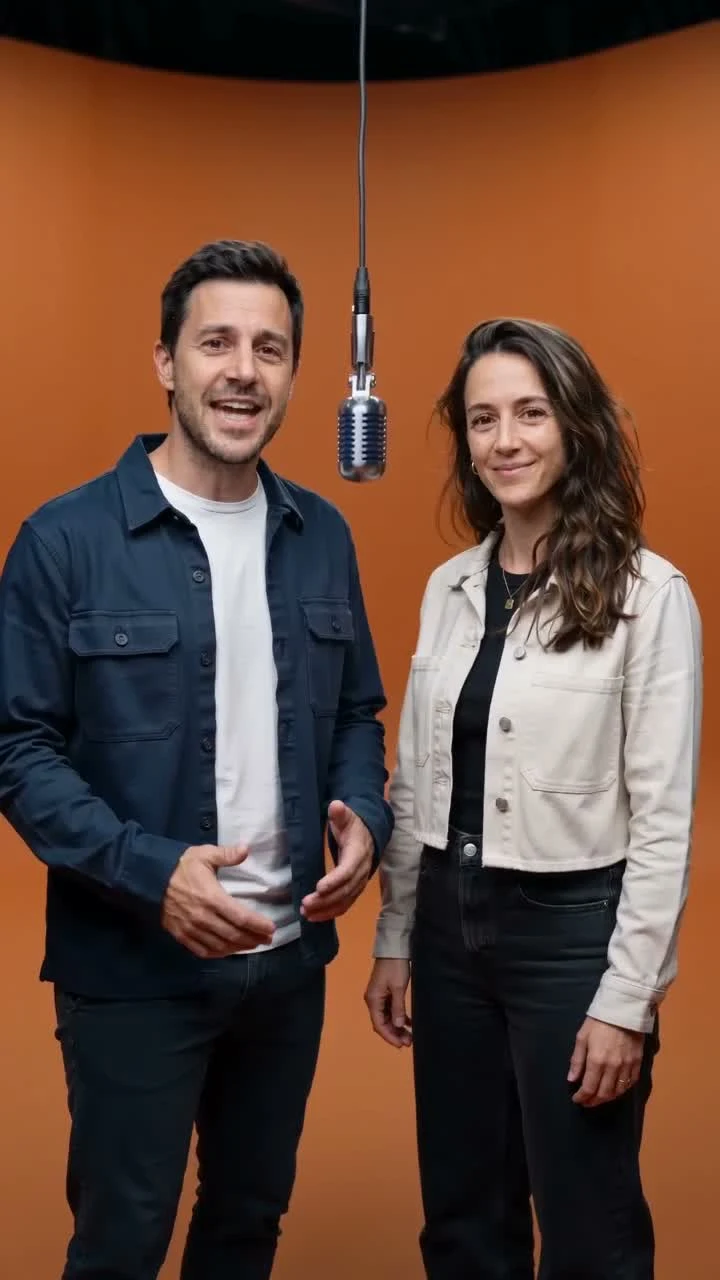
Review your inputs and quote, generate your performance, then download the finished video.
Explained
Start with your own photos. Add original lyrics, a beat and a room with personality.
Select 5, 10 or 15 seconds in 480p or 720p. Choose a vertical or landscape frame. The credit cost changes with length and resolution; aspect ratio does not add credits.
Create nowBetter results
Small choices before you press Render make a difference.
Start with one specific memory, an inside joke or a birthday. Keep your verse short enough for the selected length and review the words before rendering.
Write your verse →RapperAIVideo at a glance
An AI rap video is a short music video in which the people in your photos perform an original rap. Choose your scene, add lyrics and create a 5–15 second performance without filming or editing.
Turn a personal idea into a performance made for your next occasion.
Friends, couples, families and teams use rap videos for birthdays, anniversaries, roasts, shout-outs and team wins — any moment that deserves a verse.
Explore ideasPick a room and make something worth sharing.
Create nowFAQ
Everything you need before your first video.
Upload two portraits or one photo together, choose a scene, and add an original verse. Select your length and resolution, review the quote, then render. Your finished performance appears in My videos.
A different room, a different story, starring you.